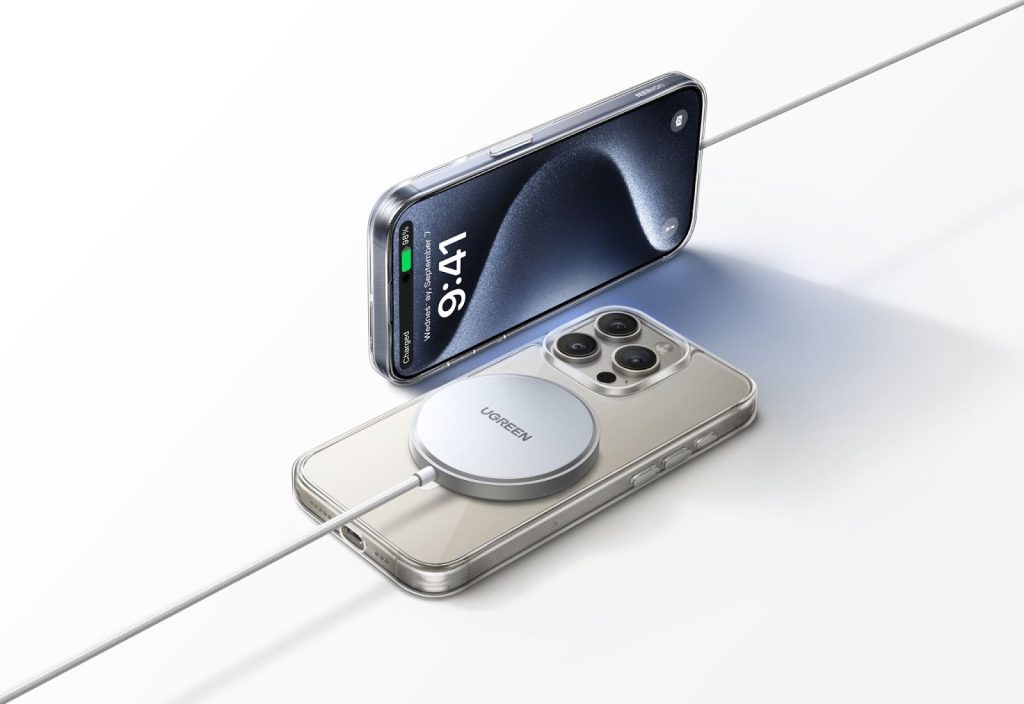
If your MagSafe wireless charger keeps disconnecting during use, the issue is rarely caused by a single fault. In most cases, repeated interruptions are triggered by a combination of alignment problems, unstable power supply, heat protection, or accessory compatibility. The good news is that most of these issues are easy to identify and fix once you understand how MagSafe charging actually works.
This guide breaks down the real reasons behind frequent MagSafe disconnections and shows you practical steps to restore stable, reliable charging.
Is It Normal for a MagSafe Charger to Disconnect Sometimes?
Occasional disconnections can be normal behavior, especially when built-in safety systems are doing their job. Not every interruption indicates a defective charger.
Normal Safety Cutoffs vs Real Problems
Modern iPhones are designed to stop charging temporarily to protect the battery. If charging pauses briefly and then resumes, it is often a response to temperature, power fluctuation, or battery optimization settings.
However, repeated on-off cycling, especially every few minutes, usually points to an underlying issue with alignment, power delivery, or hardware quality.
How MagSafe Charging Detects Alignment and Power
A MagSafe wireless charger relies on magnetic alignment and continuous power negotiation. If the phone shifts slightly or power input becomes unstable, the system may interrupt charging to prevent inefficiency or overheating. Unlike wired charging, wireless charging is far more sensitive to small changes.
Common Reasons MagSafe Chargers Keep Disconnecting
Most disconnection issues fall into one of the following categories.
Misalignment Between Phone and Charger
Even though MagSafe uses magnets, perfect alignment is not guaranteed. Desk vibrations, uneven surfaces, or angled placement can weaken the magnetic connection and interrupt charging.
Case Thickness or Incompatible Accessories
Thick cases, metal plates, or wallet attachments reduce magnetic strength and interfere with power transfer. Some cases claim compatibility but still cause unstable charging in real use.
Overheating and Thermal Protection
When temperatures rise, the phone or charger may automatically stop charging. Heat buildup is more likely during long sessions, poor ventilation, or while using demanding apps.
Unstable Power Source or Adapter
A MagSafe wireless charger depends heavily on a stable USB charger. Low-wattage adapters, aging wall chargers, or power strips with inconsistent output often cause repeated disconnections.
Cable Quality and USB-C Connection Issues
A loose or low-quality cable can momentarily drop power. Even a brief interruption is enough to reset wireless charging.
iOS Charging Optimization and Software Limits
Battery optimization features such as the 80 percent charging limit can pause charging intentionally. These pauses may appear as disconnections, especially overnight.
Using MagSafe with Power Banks or Hubs
Not all portable charger models deliver consistent output under wireless load. Power banks and USB hubs may struggle to maintain stable voltage, leading to repeated reconnecting.
Why MagSafe Disconnects More Often Than Wired Charging
Understanding this difference helps set realistic expectations.
Wireless Charging Efficiency Loss
Wireless charging is inherently less efficient than wired charging. Small power losses make the system more sensitive to instability and heat.
Continuous Power Negotiation in MagSafe
MagSafe constantly adjusts power levels based on temperature and alignment. These frequent adjustments can trigger brief interruptions.
Sensitivity to Movement and Environment
Any movement, surface vibration, or airflow restriction can affect wireless charging far more than a physical cable.
How to Fix a MagSafe Charger That Keeps Disconnecting
Most fixes are simple and require no technical tools.
Re-align the Phone and Charger Properly
Place both on a flat, stable surface and ensure full magnetic contact.
Remove or Replace Thick or Non-MagSafe Cases
Testing without a case is often the fastest way to identify compatibility issues.
Use a Stable USB-C Power Adapter
Choose a reliable USB charger that meets the recommended power requirements for MagSafe charging.A well-shielded cable with solid connectors prevents brief power drops.Avoid placing chargers on soft surfaces or near other heat-producing devices.Heavy usage increases heat and makes thermal cutoffs more likely.If using a portable charger or hub, switch to a wall adapter to confirm whether power stability is the issue.
When Frequent MagSafe Disconnects Become a Safety Concern
Persistent problems should not be ignored.
Signs Your MagSafe Charger or Adapter Is Faulty
Unusual heat, visible wear, charging noise, or frequent resets indicate potential hardware failure.
Can Repeated Disconnects Harm Battery Health?
Occasional interruptions are harmless, but constant cycling may add unnecessary stress over time.
Fire and Overheating Risks Explained
Low-quality chargers or adapters without proper safety controls pose a higher risk when overheating occurs repeatedly.
How to Choose a More Stable MagSafe Charging Setup
A stable setup starts with the right components.
Power Adapter Requirements for MagSafe Charging
Always pair your MagSafe wireless charger with a power adapter that delivers consistent output under load.
Why Certified MagSafe Chargers Matter
Certified products are tested for alignment accuracy, thermal control, and power stability.
Desk vs Stand MagSafe Chargers: Stability Differences
Stand-style chargers often reduce movement and maintain alignment better than flat pads.
Using MagSafe with Portable Power Banks Safely
If portability matters, choose a portable charger designed specifically for wireless output stability.
Conclusion
Frequent MagSafe disconnections are rarely a design flaw. They usually result from alignment issues, unstable power delivery, heat management, or incompatible accessories. By addressing these basics and using a high-quality USB charger, cable, and charging surface, you can achieve a far more stable MagSafe wireless charger experience in daily use.